A Pomodoro timer with a cat that naps while you work.
Start a focus session from the menu bar or with Siri. Your cat curls up and sleeps while you work, then wakes up when it's time for a break. It's a calmer kind of productivity app: one task, one timer, one sleepy cat.
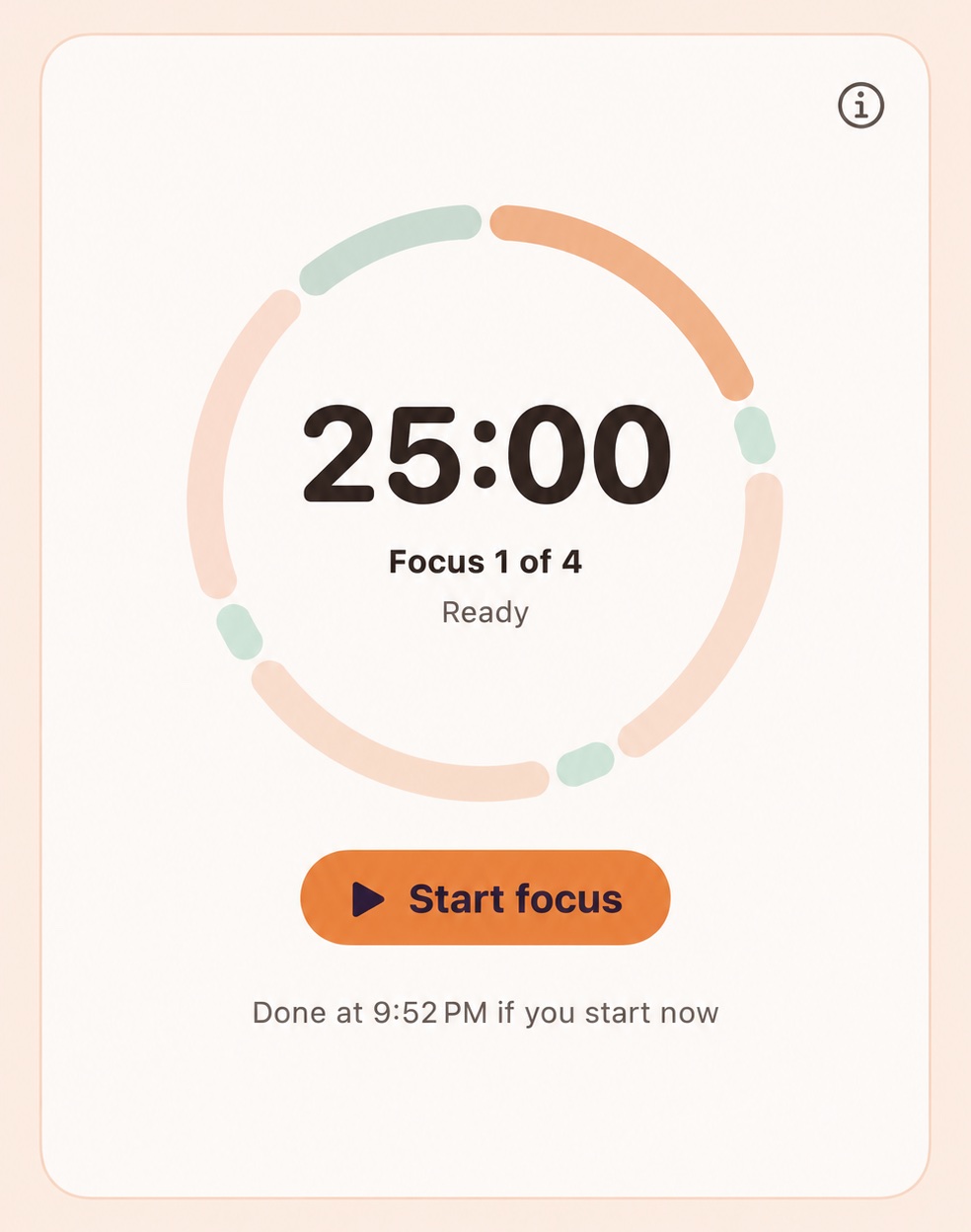
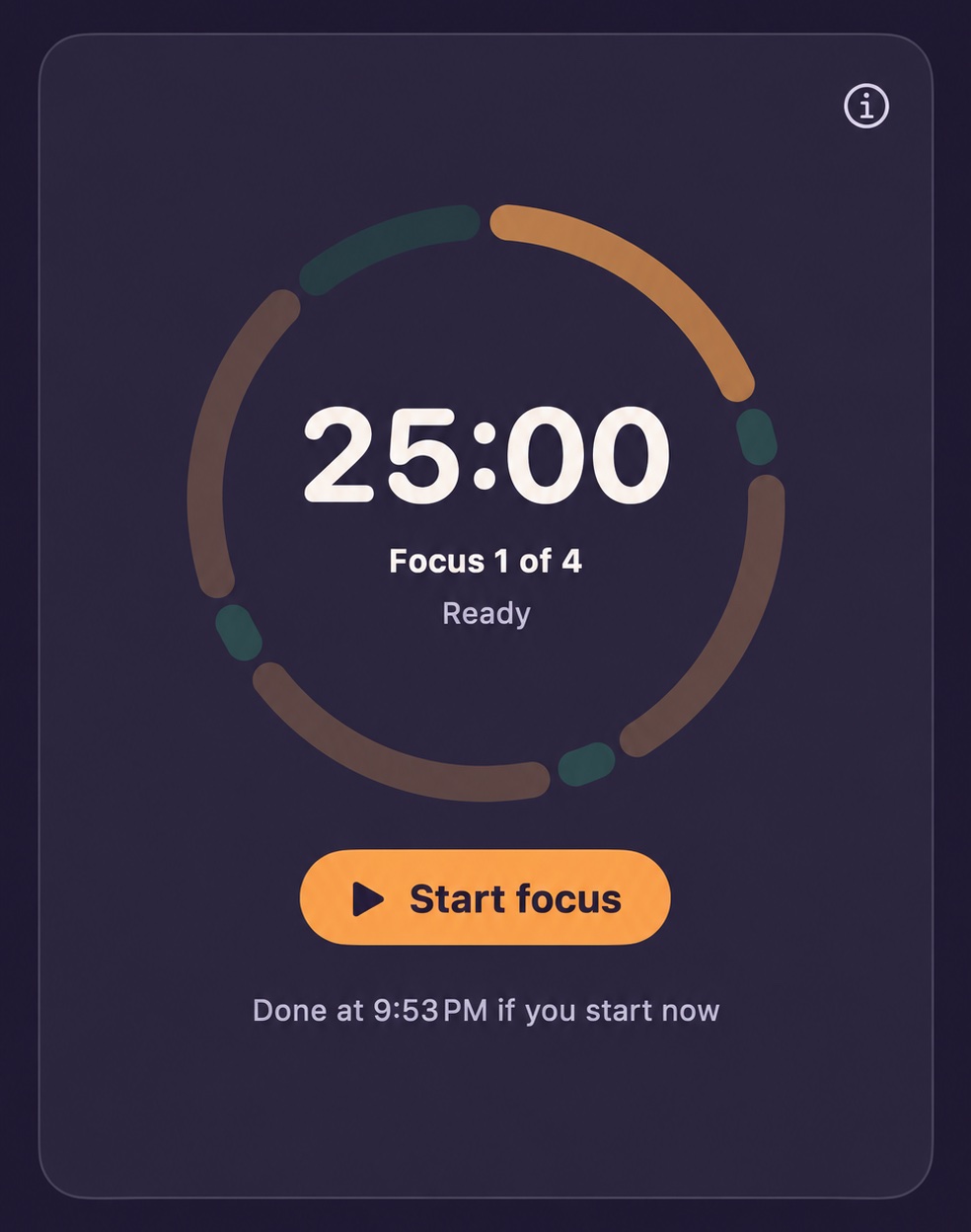
How a focus round works
- Focus for 25 minutes. Your cat naps, and break reminders wait.
- Take a 5-minute break. Your cat wakes up, and any waiting reminders show up.
- Rest longer after 4 rounds. Every fourth break is a 15-minute long break.
Those are the classic Pomodoro lengths. With a license, set focus from 5 to 90 minutes and choose your own breaks.
See your focus add up
- Focus Score. A daily score out of 100.
- Streaks. A streak for each day you reach your focus goal.
- Do Not Disturb. Optionally silence notifications while you focus.
Breaks matter as much as focus. PawseHabit also reminds you to stand, stretch and drink water during the rest of your day.
Pomodoro questions
What is the Pomodoro technique?+
It's a simple way to focus: work on one thing for a set time, usually 25 minutes, then take a short break. After about four rounds, take a longer break.
Can I change the focus and break lengths?+
Yes, with a license. Set focus from 5 to 90 minutes, short breaks from 1 to 30 minutes, and a long break of 5 to 60 minutes after every 2 to 8 sessions. The free trial uses 25-minute focus, 5-minute breaks and a 15-minute long break.
Can I start a focus session with Siri?+
Yes. Start one with Siri or from the PawseHabit menu bar icon.
Do break reminders interrupt my focus?+
No. Stand, stretch and water reminders wait while you focus and show up when your break starts.
Is it a subscription?+
No. PawseHabit is a one-time purchase for up to 2 Macs, with a free 7-day trial first.
Try PawseHabit free for 7 days.
Then own it with a one-time purchase of $9.99 for up to 2 Macs. No subscription, no account, and a 30-day money-back guarantee.