Your desktop cat.Better breaks.
A little cat that lives on your Mac, reminds you to stand, stretch and drink water, and naps while you focus.
A cat witha desktop life.
PawseHabit is a desktop pet that walks, sits, grooms and stretches along the bottom of your screen. Its Home, Focus and Settings pages open from the menu bar.
- Click to pet it, or drag it somewhere new
- Sits on your Dock and steps aside while you type
- Naps when you step away, hides for full-screen apps


Stand, stretch,and drink water.
Gentle break reminders: when it’s time, your cat stands up, stretches or drinks, then asks in a speech bubble: Done, Snooze or Skip.
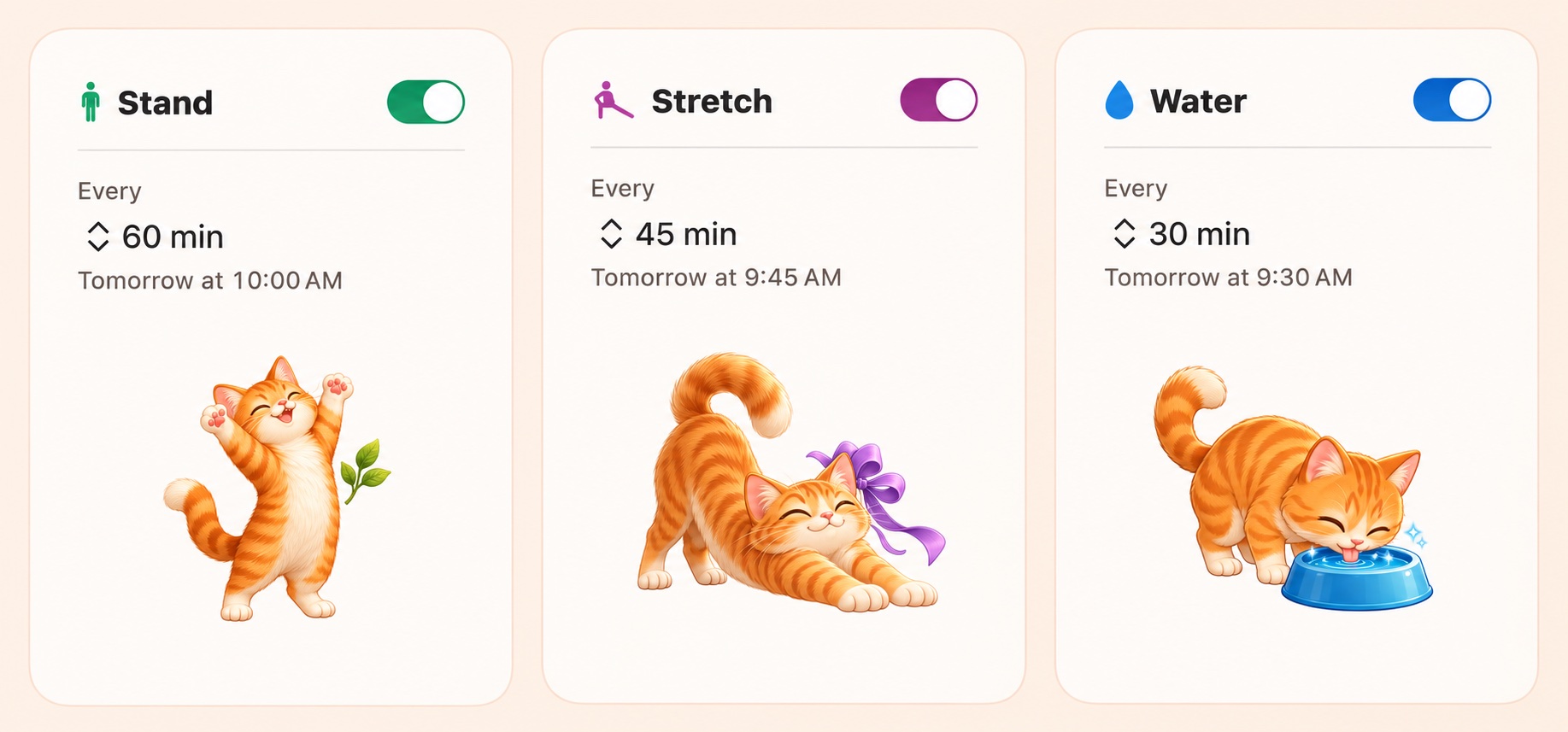
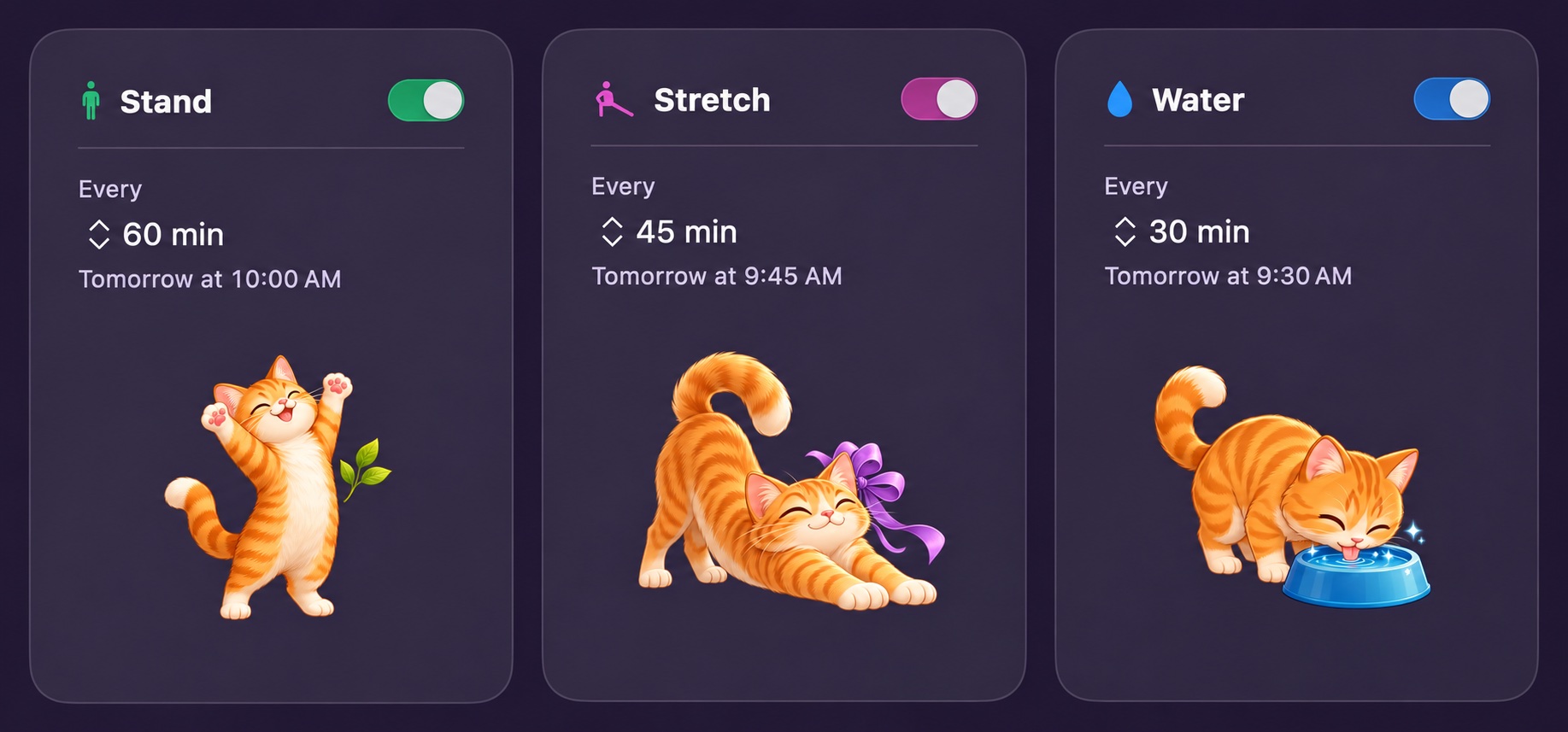
- Your intervalsEvery 60, 45 and 30 minutes by default. Change each one, or turn it off.
- Your hoursReminders follow the working hours you set for each day of the week.
- Your pacePause reminders for 1 to 8 hours from the menu bar or with Siri.
Focus witha sleeping cat.
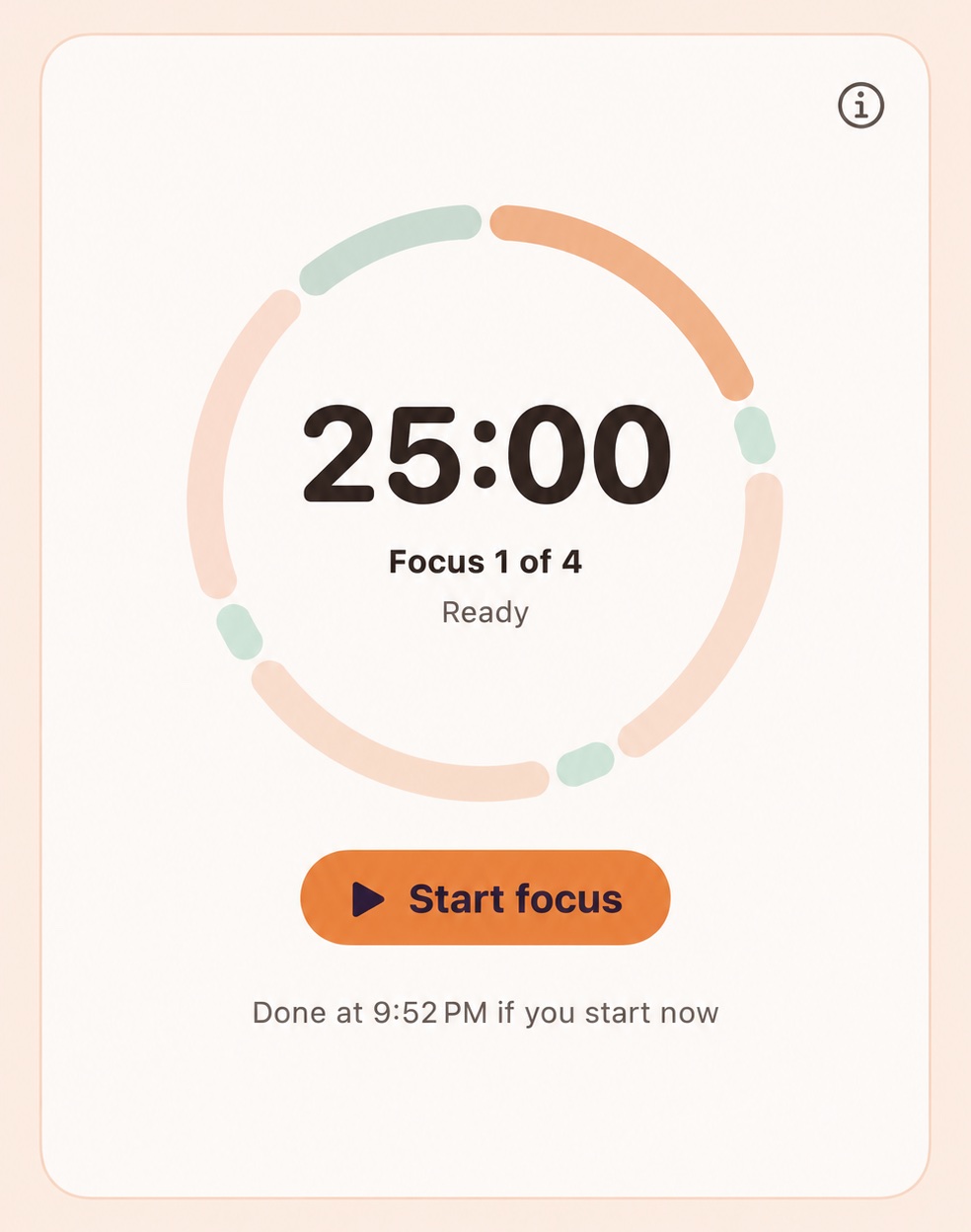
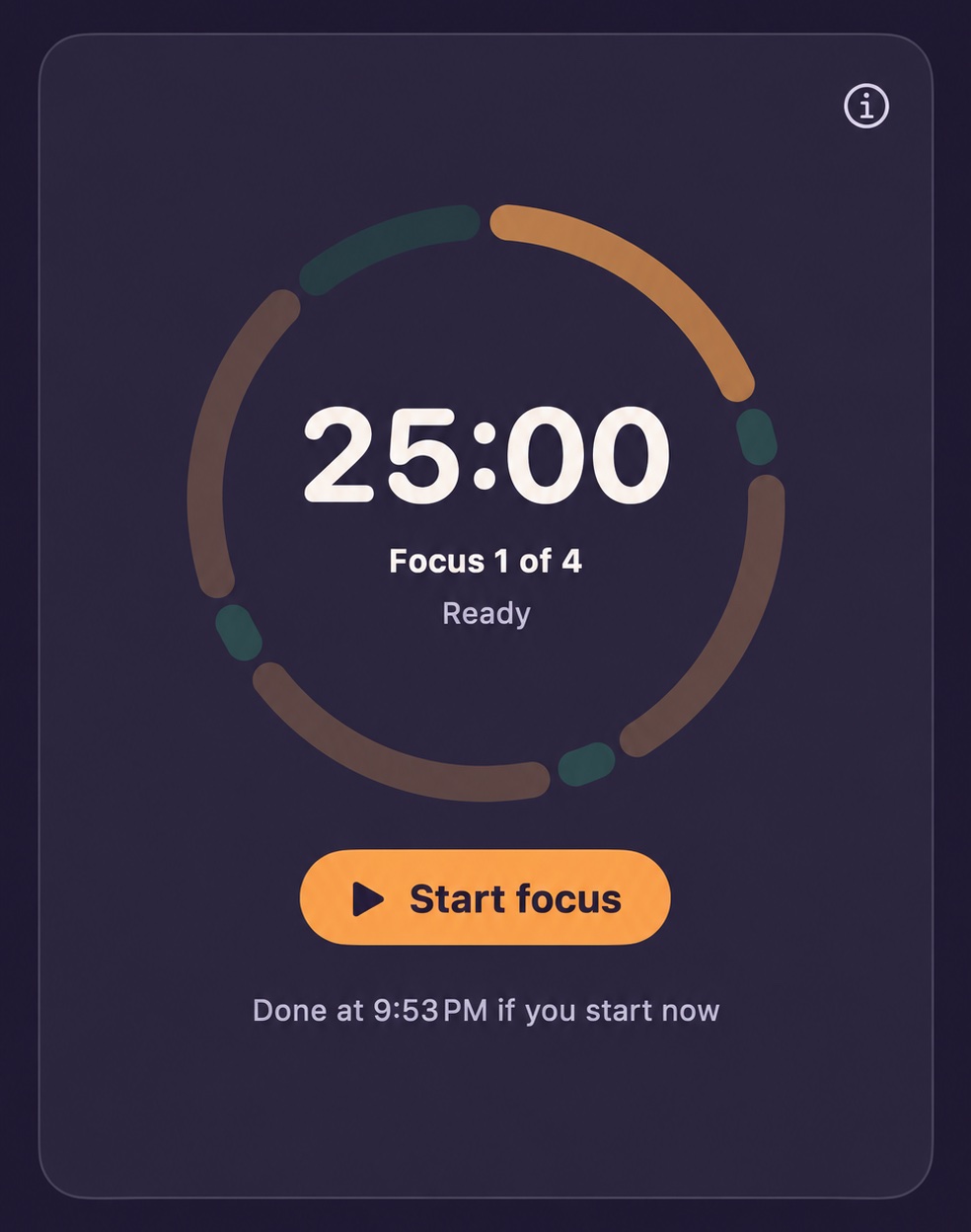
Start a 25-minute Pomodoro focus from the menu bar or with Siri. Your cat naps while you work and wakes up for your break.
- A daily Focus Score out of 100
- A streak for each day you reach your focus goal
- Optional Do Not Disturb while you focus
Choose your cat.
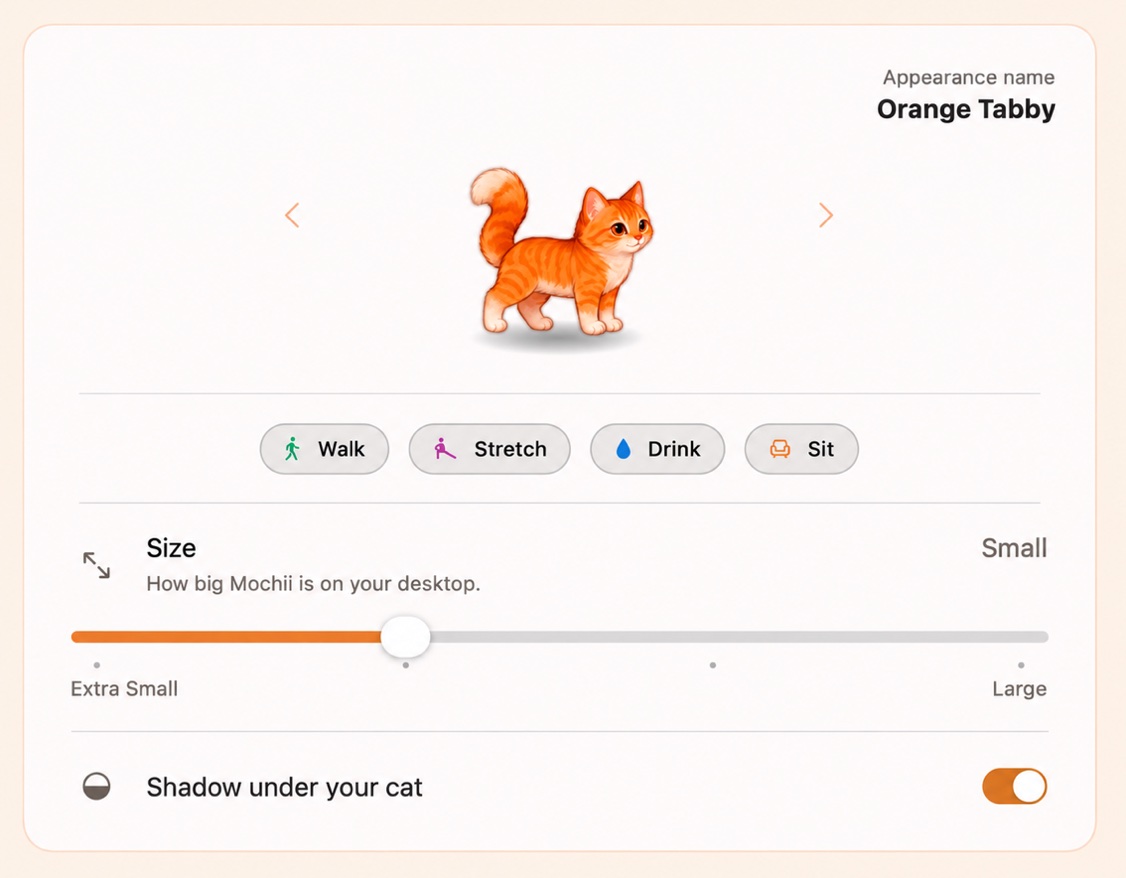
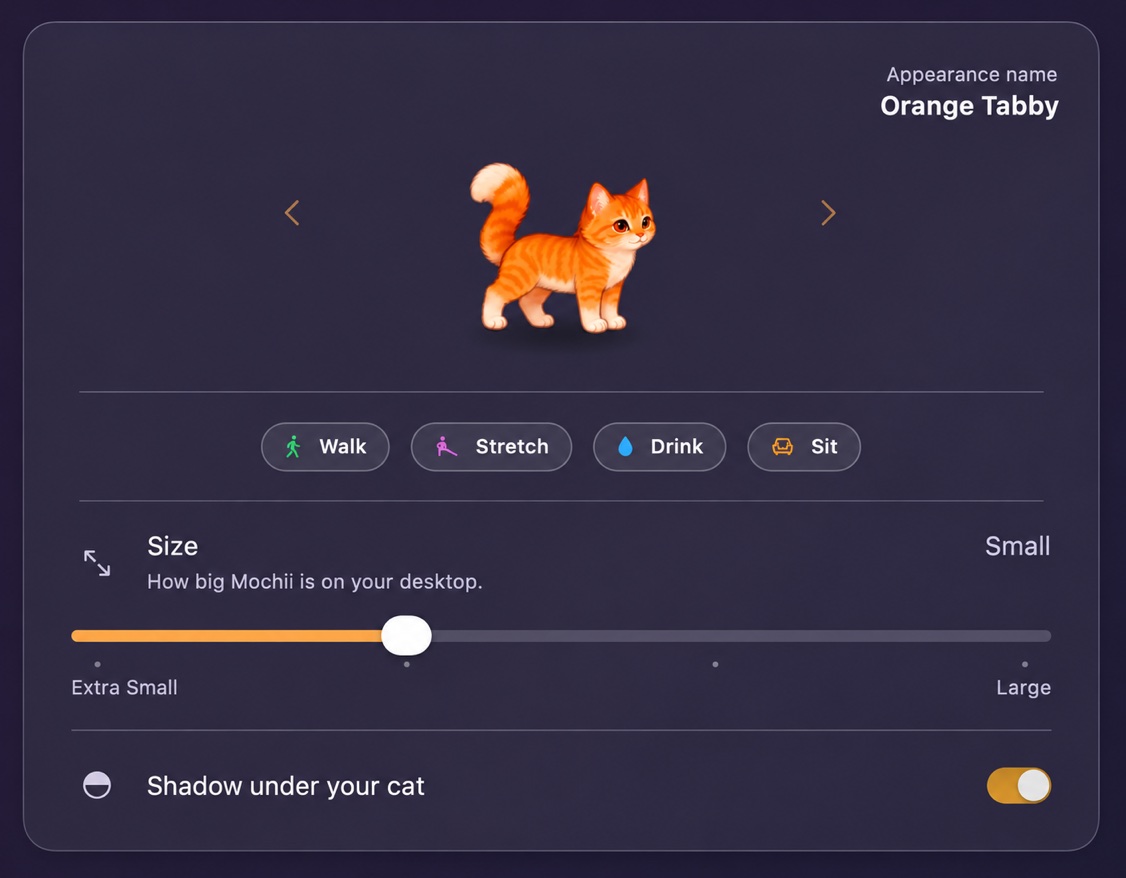
Give your cat a name and watch it walk, stretch, drink and sit. With a license, choose from 25 cats, set its size, and pick how it arrives: Jump, Pop or Puff.
The free trial includes Orange Tabby. Other cats download when you pick them.
The biggest gift we can give our purrbabies is our presence.
So staying healthy, one small habit at a time, is our biggest investment.

Buy once.Two Macs.
Try it free for 7 days, and own it with a one-time purchase.
Prices in USD, plus tax where applicable. See the Terms.
30-day money-back guaranteeNot happy? Get a full refund within 30 days, for any reason. How refunds work- Free trial
- 7 days, no account needed. The trial uses Orange Tabby and the default settings.
- With a license
- All 25 cats, plus your own size, sounds, entrance, focus lengths and energy settings.
- Your Macs
- Up to 2 Macs per license. Move to a new Mac any time, and if one’s lost or broken, we’ll free it for you.
- Requirements
- macOS 14 Sonoma or later on a Mac with Apple silicon (M1 or later). Intel Macs aren’t supported.
Before youbring them home.
Does PawseHabit work on Windows?+
No. PawseHabit is made for Mac only. It needs macOS 14 Sonoma or later on a Mac with Apple silicon (M1 or later).
Why isn’t PawseHabit on the Mac App Store?+
Apple’s rules for App Store apps would take away some of what makes your cat feel alive, like sitting on your Dock and stepping out of the way while you type. That’s why, for now, you get PawseHabit right here. Your security and trust matter to us. Every version is signed with our Apple developer ID and checked by Apple for malware. That way, your Mac knows it really comes from us and opens it without warnings. The app also keeps itself up to date.
Does it need any permissions?+
No. PawseHabit works without any. Two optional permissions improve your experience:
- Accessibility lets your cat sit on the Dock, spot full-screen apps reliably and step out of your typing’s way more precisely.
- Notifications let reminders also appear in Notification Center, so you still see them while your cat is hidden.
You can turn them on any time. Setup steps are on the help page.
Do I need an account or internet connection?+
No account. Your cat, reminders and focus work offline. PawseHabit only goes online to:
- Activate your license.
- Check your license about every two weeks.
- Download the cats you choose.
If it can’t reach the server, a license you already activated keeps working.
What does PawseHabit know about me?+
Very little, and most of it never leaves your Mac.
- On your Mac: your settings, reminder and focus history, and streaks. To tell whether you’re busy or away, PawseHabit counts key presses and mouse events, but never records what you type. Those counts never leave your Mac.
- To check your license: your license key, an anonymous ID for your Mac and the app version.
- Cats you pick: downloaded from our server, like any web download.
- Payments: handled by Creem. We never see your card details.
Is there a free trial?+
Yes. The 7-day trial starts the first time you open the app, with no account. During the trial you get Orange Tabby with the default settings. When it ends, your cat says goodbye and hides, and reminders stop. Your settings and history stay on your Mac and come back when you enter a license.
Why isn’t PawseHabit free?+
PawseHabit is made by one independent developer. Your license pays for keeping it going: the server that checks licenses and delivers your cats, plus fixes and new versions. That’s why there are no ads, no subscription and no account. You pay once, and the 7-day free trial lets you meet your cat first.
Is there a refund guarantee?+
Yes. PawseHabit comes with a 30-day money-back guarantee, for any reason. Contact us to request a refund.
Can I move PawseHabit to a new Mac?+
Yes. Your license works on up to 2 Macs. To move it, open PawseHabit on your old Mac, go to and choose , then enter your license key on the new Mac.
My old Mac is lost, broken or wiped. Can I still free it?+
Yes. Email us from the address you bought PawseHabit with, and tell us which Mac to free. We’ll free it, usually within a day, and you can activate your new Mac with the same key.
Can I have my own cat in PawseHabit?+
Yes, for a fee. We draw your cat as a cute PawseHabit cat that walks, sits and naps on your desktop. It’s inspired by your photos, not an exact likeness: we keep its colors, markings and eye color, in our soft, rounded 2D style.
- Email us whatever photos you have, and we send you a free preview within 2–3 days.
- Like it? Pay through Creem to go ahead, with up to 2 small changes.
- Your cat is tied to your license and follows the same limits, so it works on up to 2 Macs. It’s custom work, so once you approve it, it can’t be refunded.
See Custom cats for the photo guide and details.
Does it provide medical advice?+
No. PawseHabit offers general reminders for everyday breaks, movement, and hydration. It does not provide medical advice.